How to check DualSense compatibility before a PC session
Separate device pairing from the features supported by an individual game.
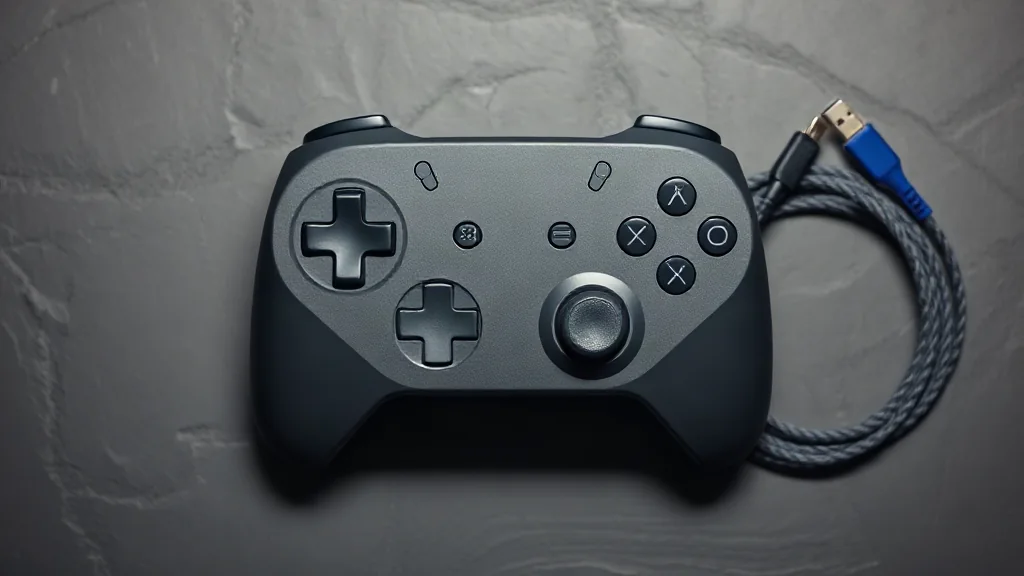
DualSense can pair with supported devices through Bluetooth or USB, but a successful connection is only the first compatibility check. Individual game features vary, so decide which features matter to your session before choosing how to connect.
On PC, haptic feedback requires USB in supported games. If haptics are your priority, use that requirement as a starting point and then confirm that the particular game supports the feature. Bluetooth pairing alone does not establish that the same effects will work.
A useful checking order is device support, connection method and game features. Read the relevant compatibility information for each stage. This keeps a general statement about DualSense connectivity from becoming an assumption about every game, and gives you a clear basis for choosing between Bluetooth and USB.
Browse PC controllers on Amazon UK